
Simple I/O address decoding for your homebrew computer
Enabling your homebrew computer to talk to the outside world is as easy as sending data to the right address.
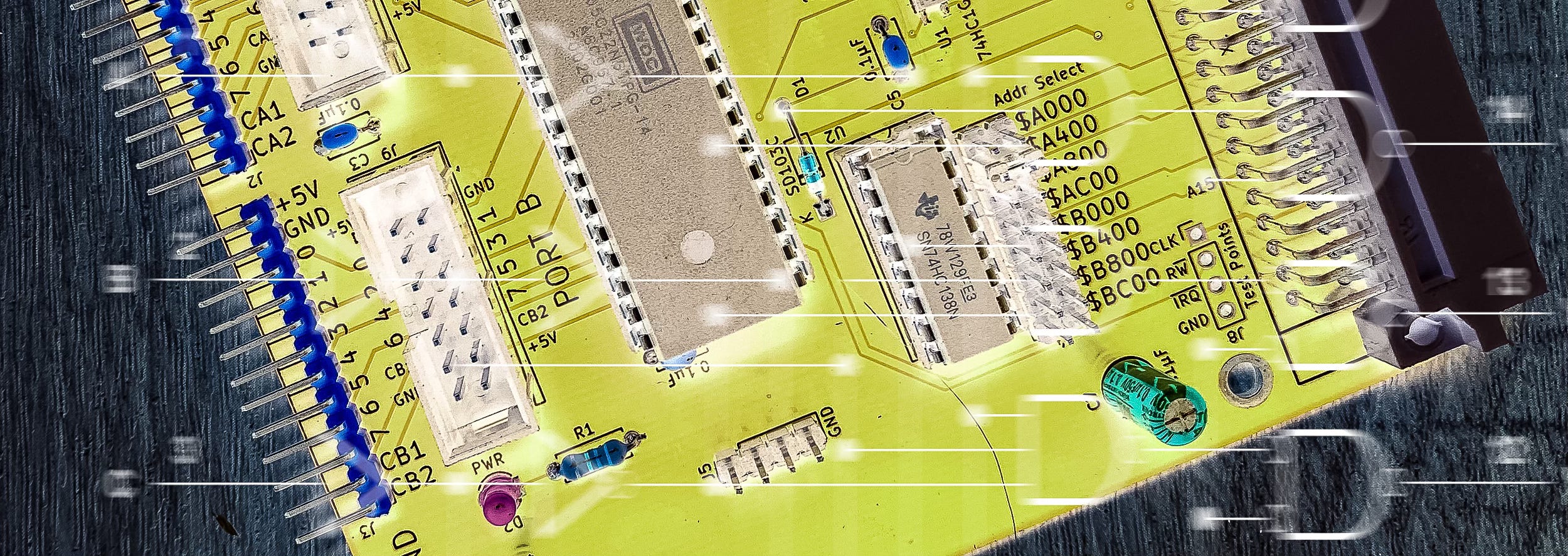
In an earlier article, we saw how the CPU in your homebrew computer can decide whether it talks to ROM or RAM simply by selecting the appropriate address.
In part, that was made possible because of the very simple address map. In the Zolatron, the RAM sits at the bottom of the map (starting at address $0000) and the ROM at the top. That made life easy.
But you’ll want to be able to address more than just ROM and RAM. For example, you may have peripherals such as a keyboard, a display, a serial port and more, all of which need to ‘live’ at specific addresses in the map so that the CPU can interact with them.
Decoding logic
We achieve this through the judicious deployment of decoding logic, sometimes called glue logic. And this is a topic that can become very complex. In the earlier article, for example, we covered how some signals needed to be ‘gated’ or ‘qualified’. But at a basic level, decoding is quite simple.
In this article, we’ll take a look at a chip that is extremely popular for basic decoding — the 74xx138. (The ‘xx’ is where a code describes the precise variant.) Other chips are available. Indeed, online you’ll see lots of advice about how other chips are better, mainly because of performance. But the Zolatron 64 is designed to run at a leisurely pace. And at this stage in my education, simplicity rules over performance.
There are also other decoding chips with different logic for when you want to get creative with decoding, but let’s not run before we can walk.
